Centralized templates
Create, import, and organize in the browser the templates used by production teams.
API-first label operations
Centralize templates, send data through the API, and print on the devices already running at the plant through a local agent.
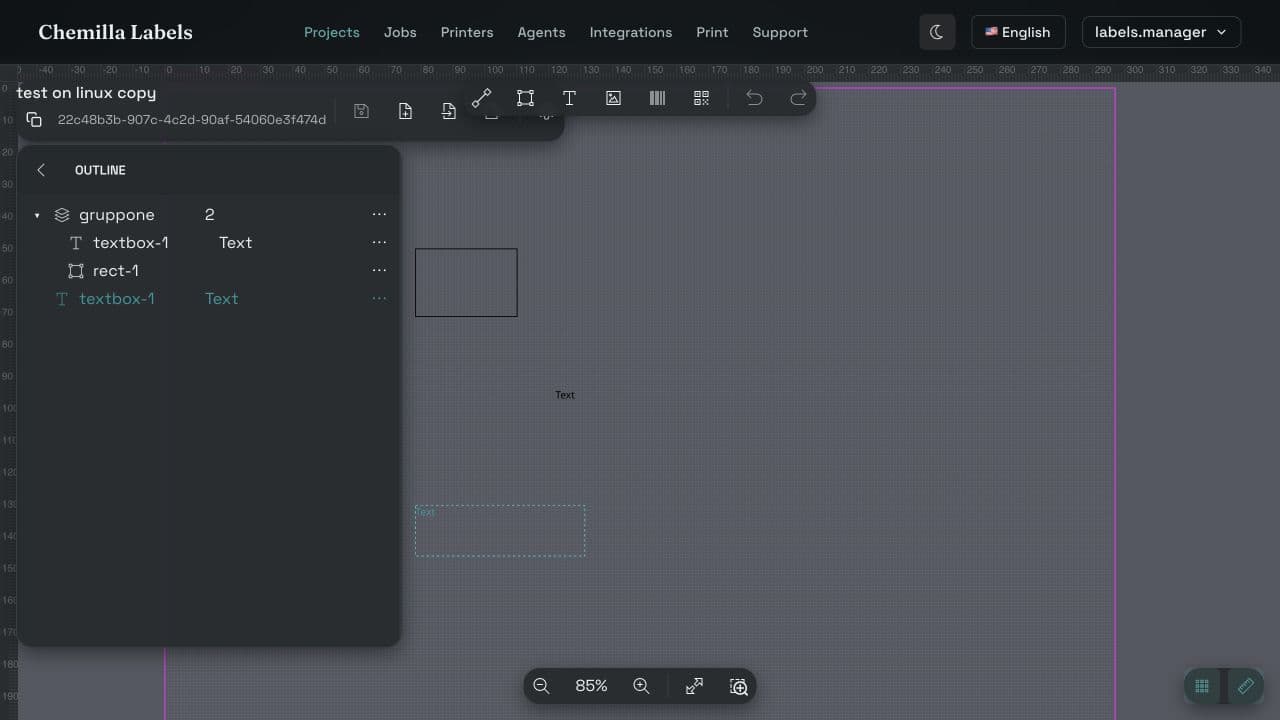
Separate layout from operational data and connect printing to the system that already manages orders, batches, and production.
Create, import, and organize in the browser the templates used by production teams.
Bind business-system fields to text, images, barcodes, QR codes, and Data Matrix.
Authenticate a service account and enqueue a job with one HTTPS request to POST /v2/jobs.
The agent receives the job, generates the PDF, and uses the operating-system print queue.
Monitor agents, printers, and jobs from the workspace without touching production PCs.
Use separate service accounts for systems and environments, with secrets that can be rotated or revoked.
Business Central, SAP, a MES, a WMS, or a custom service all use the same contract.
Define dimensions, artwork, and dynamic field names in the Labels workspace.
Generate a dedicated service account and keep its secret in the calling system.
The business system obtains an OAuth token and sends the template, printer, copies, and variable data.
The agent on the plant network processes the job and passes it to the printer.
Labels does not require a proprietary connector. The source system builds the payload, obtains a token, and sends the job.
A small AL extension can read an order, batch, or item and call Labels through HttpClient.
An SAP Integration Suite flow or an ABAP HTTP/REST client can send the same payload.
Any system that can use OAuth 2.0 and HTTPS can enqueue a print job.
Business Central and SAP are API integration examples, not preinstalled connectors.
{
  "idT": "template-id",
  "printerId": "printer-id",
  "format": "100 x 50 mm",
  "numberCopies": 2,
  "data": [{
    "item": "A-1042",
    "lot": "LOT-260903"
  }]
}Public OpenAPI, agent-readable guides, a non-destructive validation endpoint, a local sandbox, and executable examples let an AI agent discover the contract, implement it, and verify the result before the first real print.
Show us a template, its source data, and the printer. We will explain how to connect them without building a parallel platform.